
When words fail, pictures speak.
NeoSuite is augmentative and alternative communication (AAC) for everyday life: lightning-fast picture boards, over 25,000 symbols and a shared sync for everyone who pitches in – mum, dad, caregivers and the child themselves.
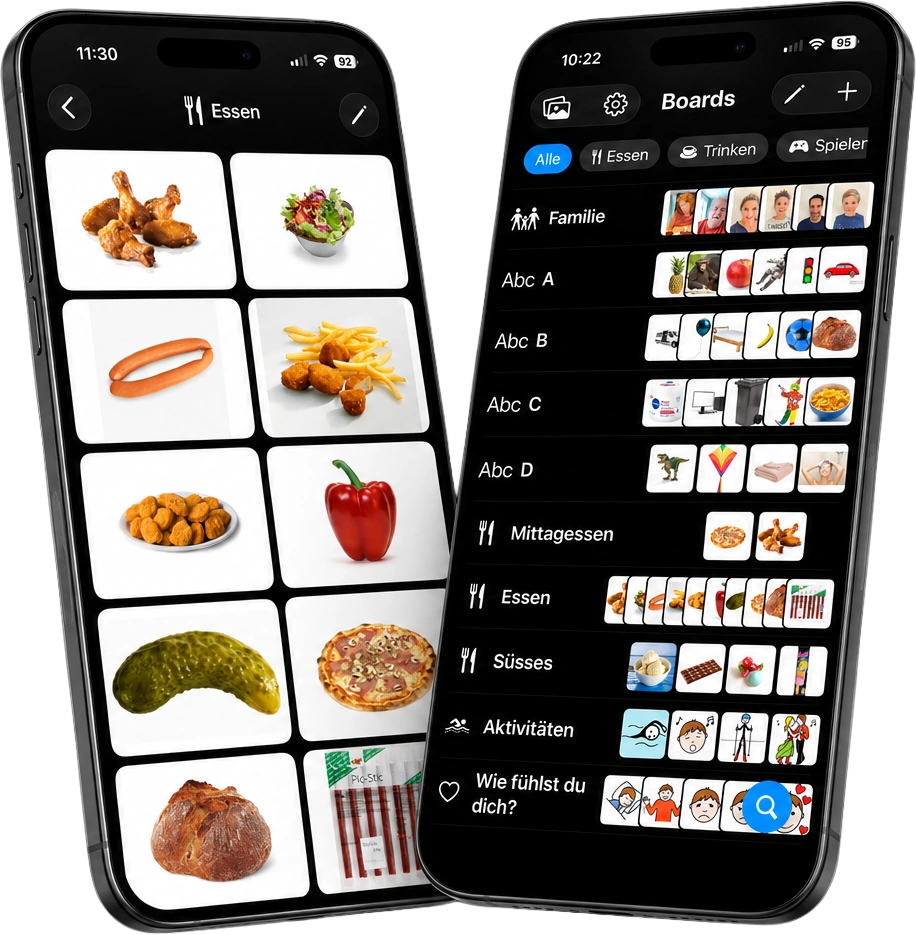
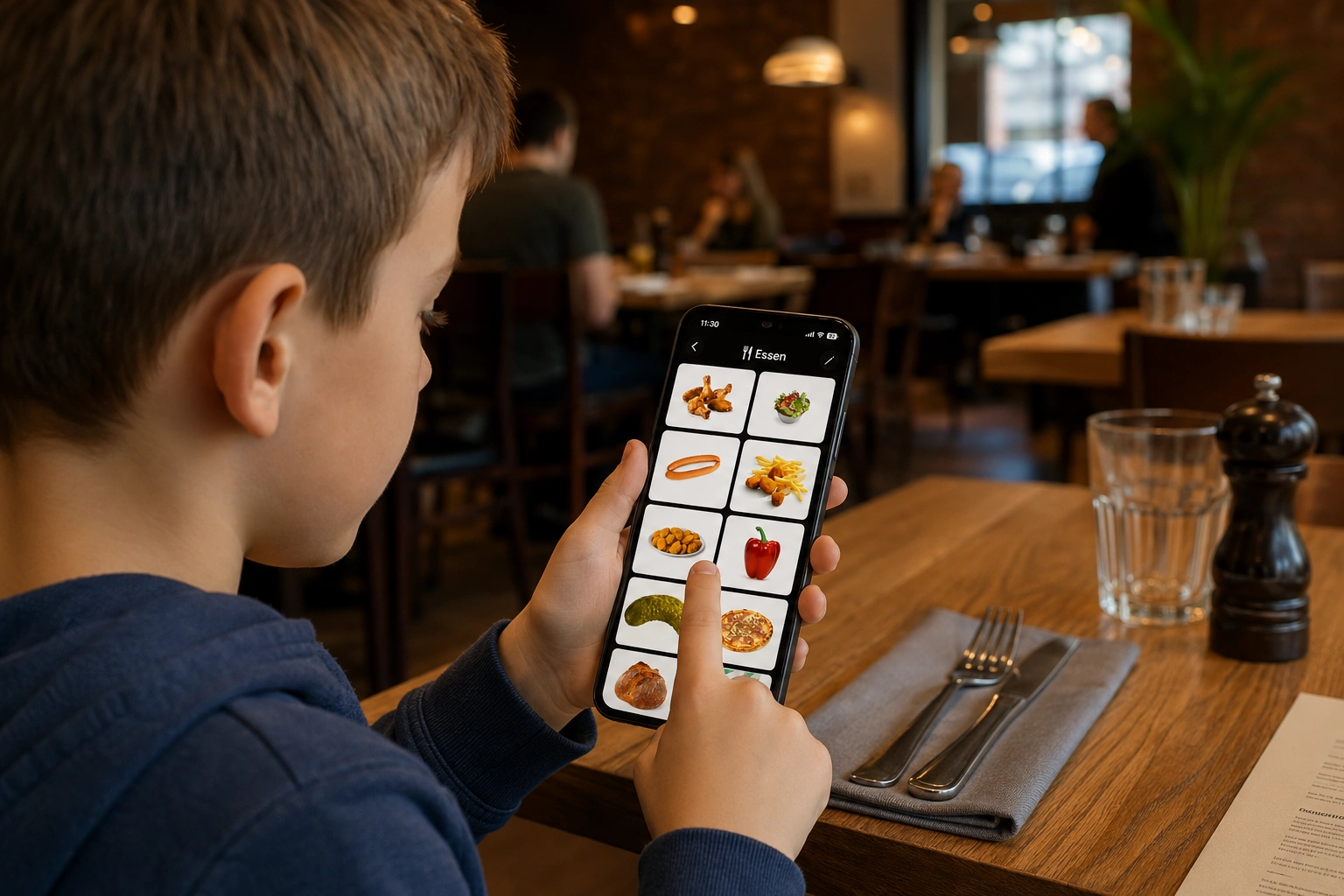
Show instead of searching.
A board for every situation.
Ordering food, showing feelings, planning the day: boards bundle exactly the pictures that are needed right now – big, clear and reachable without detours.
- Instant response. No slow animations, no waiting – tap and it happens.
- Your own voice included. A personal voice recording can be added to every picture – one tap and the word is spoken.
- Order it your way. Sort boards and pictures via drag & drop – the order applies on all devices.
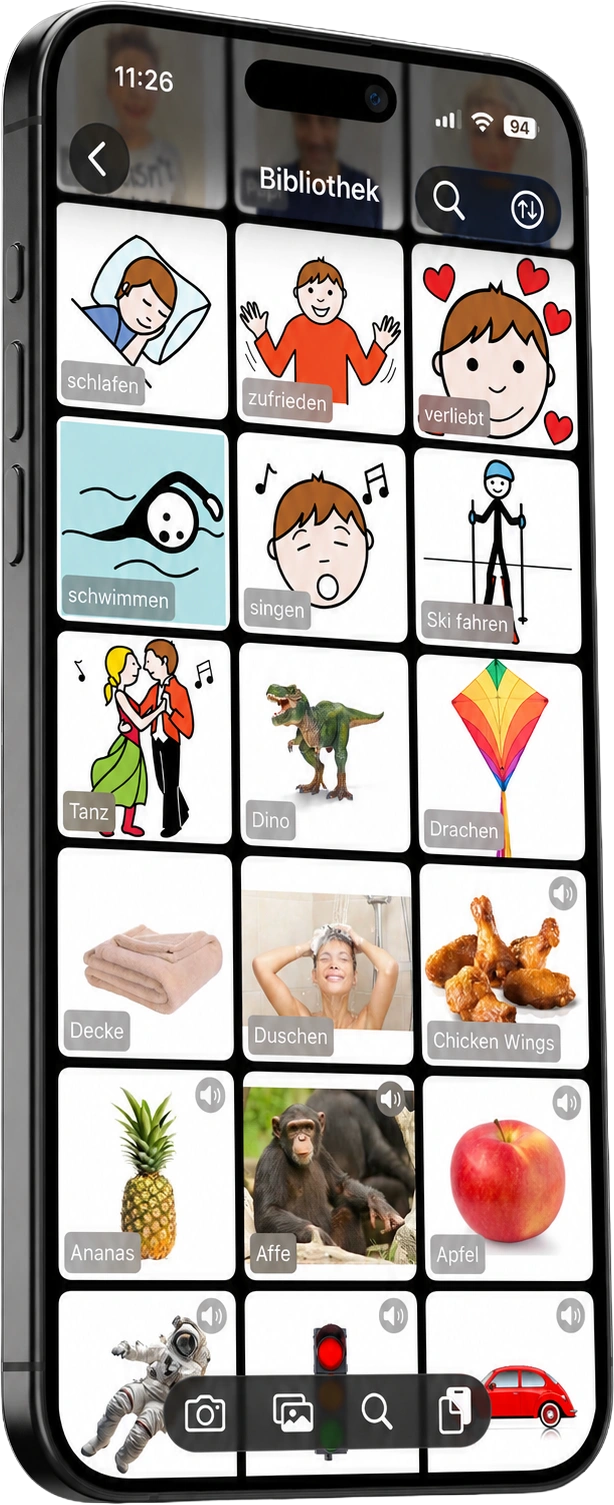
One library.
All the family's pictures.
Your own photos, METACOM symbols and ARASAAC pictograms live in one shared library – searchable, sortable and reusable across all boards.
- Your own photos in seconds. Camera or photo library – the favourite meal is added faster than it is ordered.
- Five sort orders. By date, A–Z, category, source or member – you instantly see who contributed what.
- Audio included. The small speaker shows where a recording is stored.
- Loaded intelligently. Pictures and sounds arrive on the device when needed and then stay stored locally.
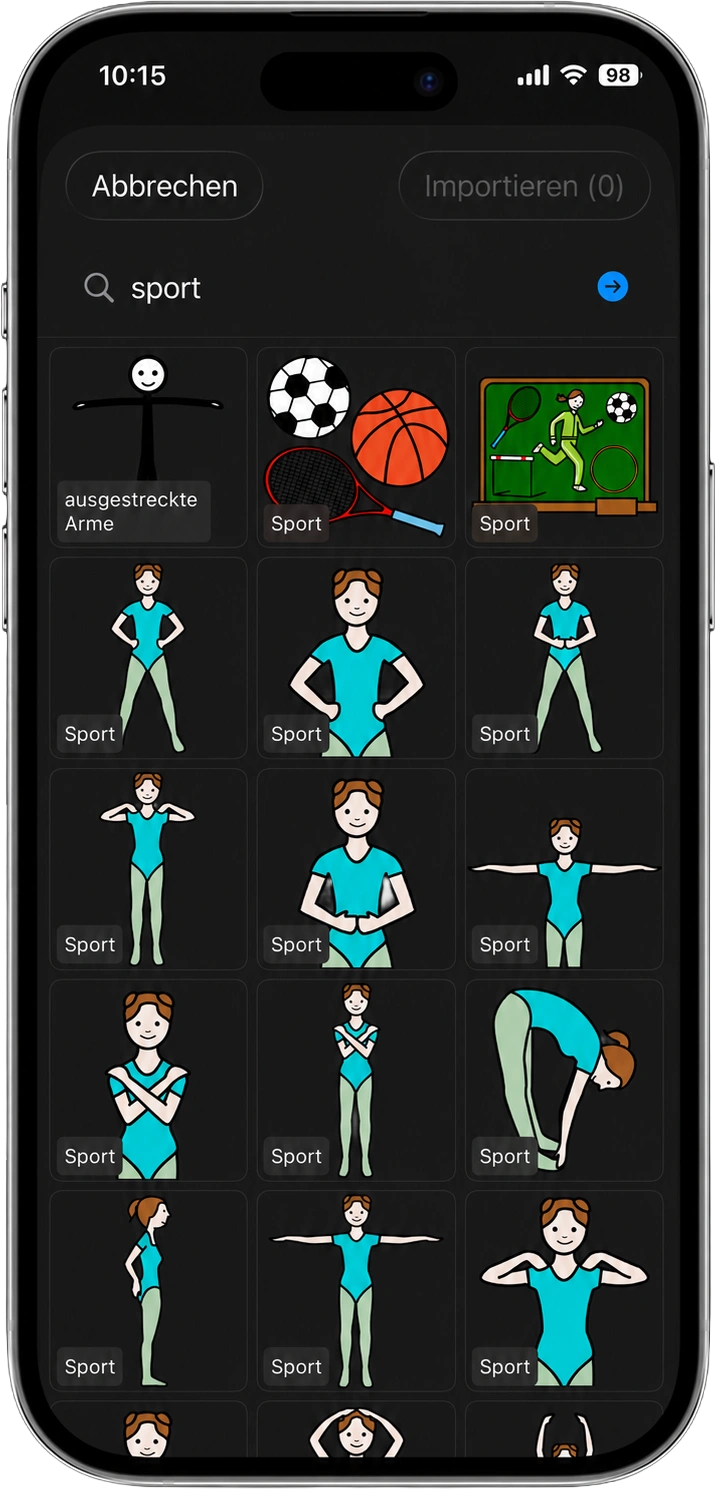
Over 25,000 symbols,
one tap away.
METACOM 9 and ARASAAC are built right into the app: search for a term, tap a result, add it to the library – done.
- METACOM 9. Over 12,600 professional symbols in 60 categories – the standard in augmentative and alternative communication.
- ARASAAC. Over 13,000 free pictograms, searched and adopted directly from the app.
- Referenced instead of copied. Symbols take up no space in the family pool: they are linked, loaded on demand and cached on the device.
- METACOM as an in-app purchase. The METACOM symbols are licensed material and are unlocked via in-app purchase. ARASAAC is included for free.
One person curates,
everyone stays up to date.
Boards and pictures belong to the whole family. Mum extends the snack board, dad records a new word, the caregiver reorders – and on the child's device everything is there right away.
- Invite by code. No email back and forth: share the code, register, join in.
- A child's own account. Set up once, never a login screen again – the device is simply ready.
- Offline first. No connection on the train or in a restaurant? Everything keeps working – syncing happens as soon as there is a connection again.
- Roles & privacy. Admins manage the group; every family is strictly separated from all others.
Create a group
Create an account, set up your family group and the default boards are ready to go – usable even entirely without an account.
Invite the family
Share the invite code. All members see the same picture pool and can maintain boards together.
Get going & grow
Add photos, symbols and voices. The library grows with the child – day by day, word by word.
Thought through to the last detail.
NeoSuite was born in real family life – every feature solves a real problem.
Lightning fast
A native iOS app without bloat. No loading bars, no sluggish transitions – communication must not wait.
Offline-first
All content lives on the device. Sync only exchanges changes – frugal, robust, unobtrusive.
Familiar voices
A recording by mum, dad or the child themselves for every picture – familiar voices instead of robotic speech output.
Private & secure
Photos and audio live in private storage, accessible only via time-limited, signed links.
Categories everywhere
Food, drinks, feelings, activities … categories organise boards and library alike – filterable with a tap.
Editing in the flow
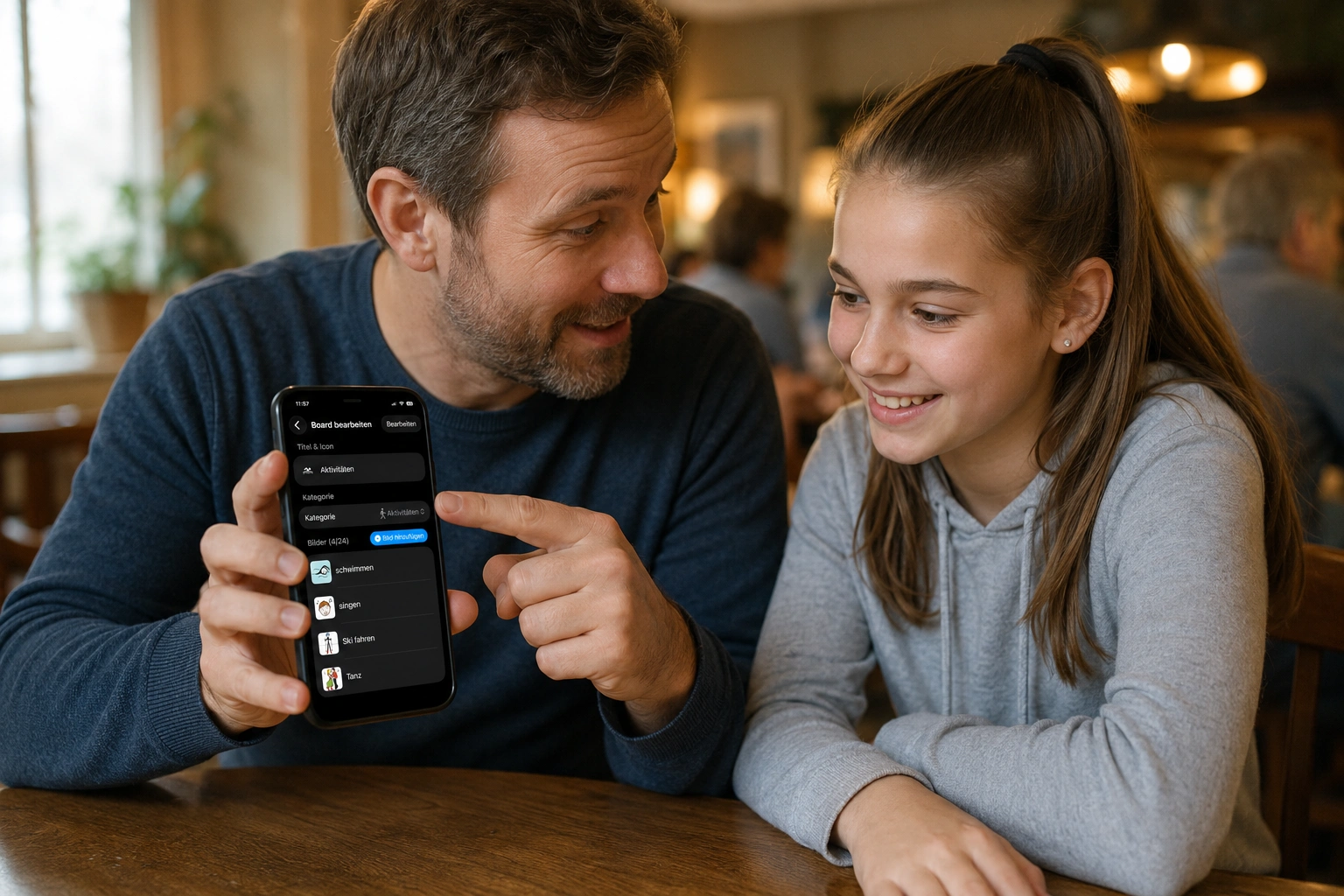
Adjust boards right on the device: title, icon, category, pictures – quick popovers instead of cumbersome menus.
Who added it? Visible.
Every picture knows its member. Sort the library “by member” and see the whole family's contributions.
No barriers
Deliberately without gatekeeping: no forced subscription in everyday use, no locked “player mode”, no artificial limits.
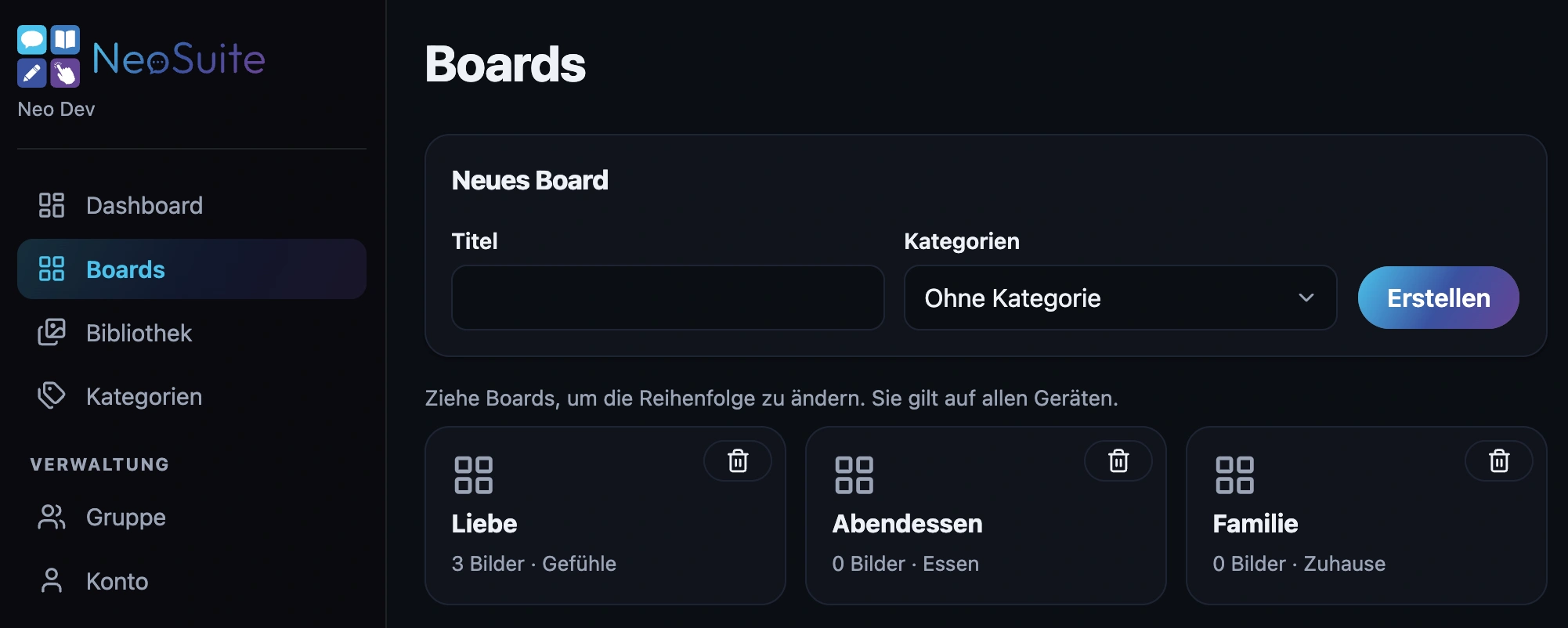
Administration? Comfortably in the browser.
The app comes with its own server and web interface: manage groups and members, create invitations, maintain symbols and reset passwords – from any computer.
- Group management. Members, roles and invite codes in one place.
- Image curation. Search, extend, translate and tidy up the picture library – comfortably on a big screen.
- Forgot your password? Reset link by email, set a new password in the browser – no support ticket needed.
Give your child a voice.
NeoPicker for iOS with family sync via NeoServer. Start for free – the default boards are set up in a minute.